Alpha Partner's Portal
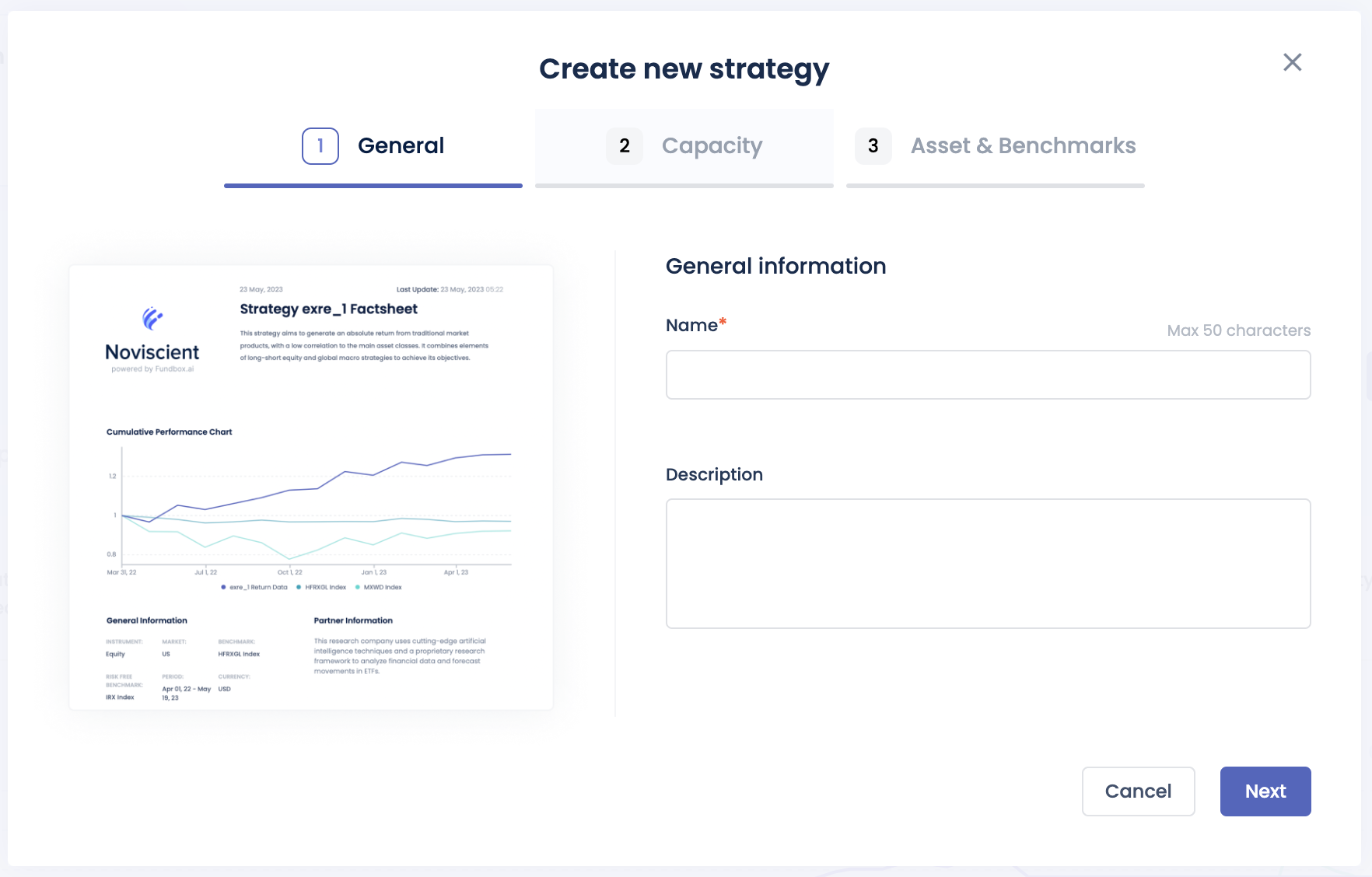
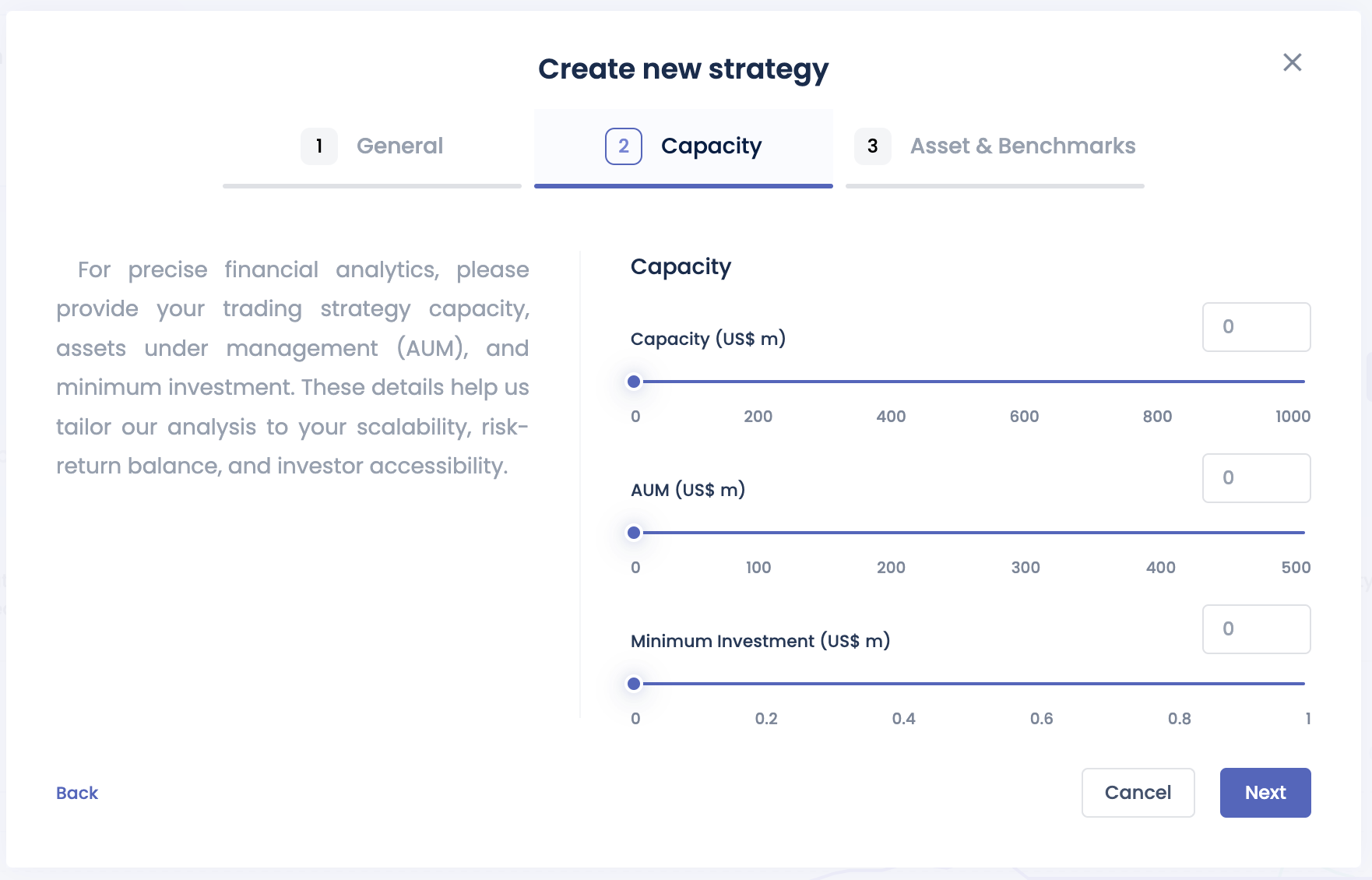
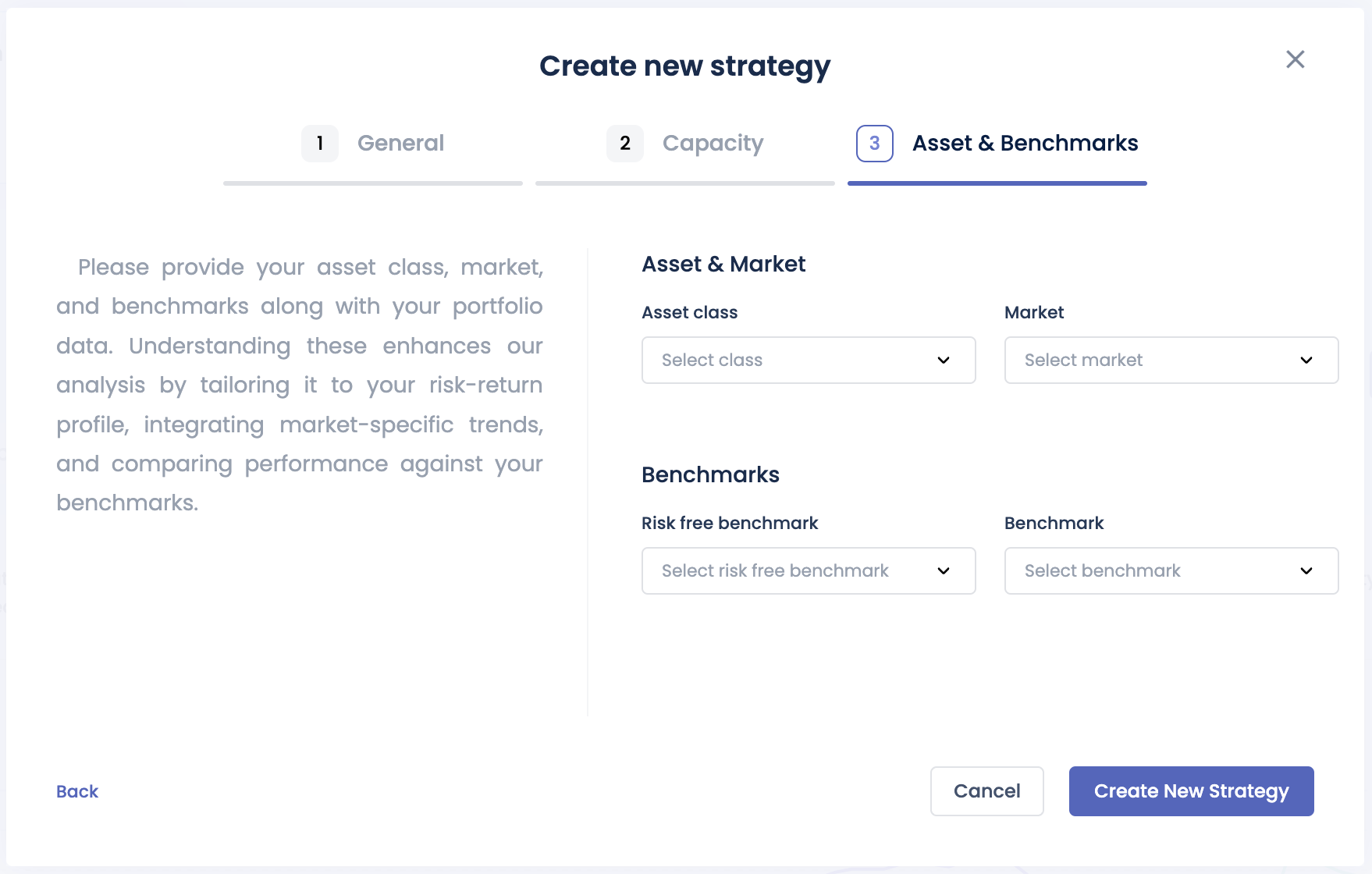
The Alpha Partner's Portal is designed primarily for alpha partners to introduce new strategies or monitor existing strategies if they are live. It provides a view of various performance metrics, live positions, and capital allocations. Additionally, it allows the generation of two types of factsheets: a one-page factsheet and a full analysis factsheet.
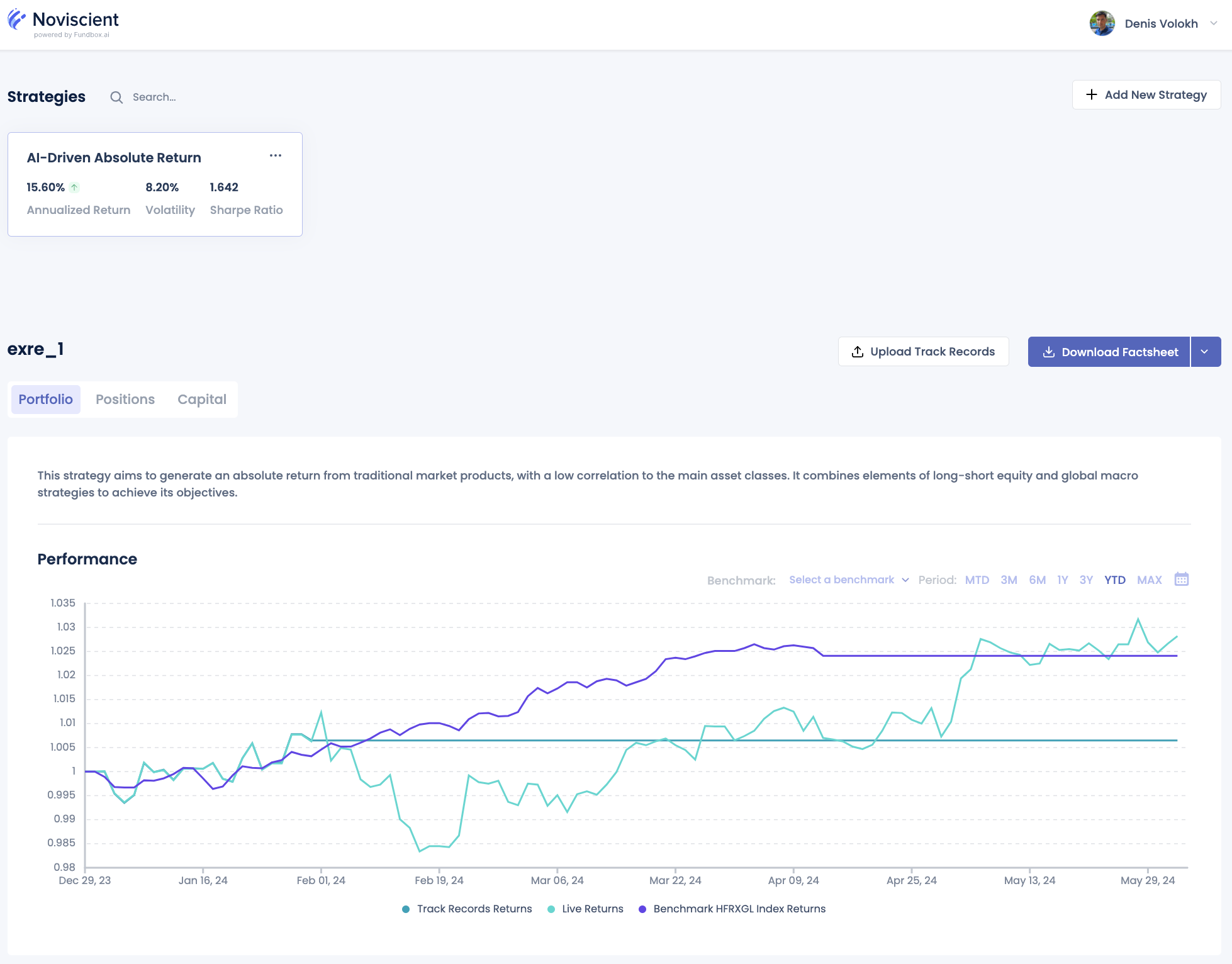
Performance chart
The Performance chart displays the historical performance of the strategy, including benchmarks and track records returns that allow alpha partners to analyze the strategy's performance over time.

Positions tab
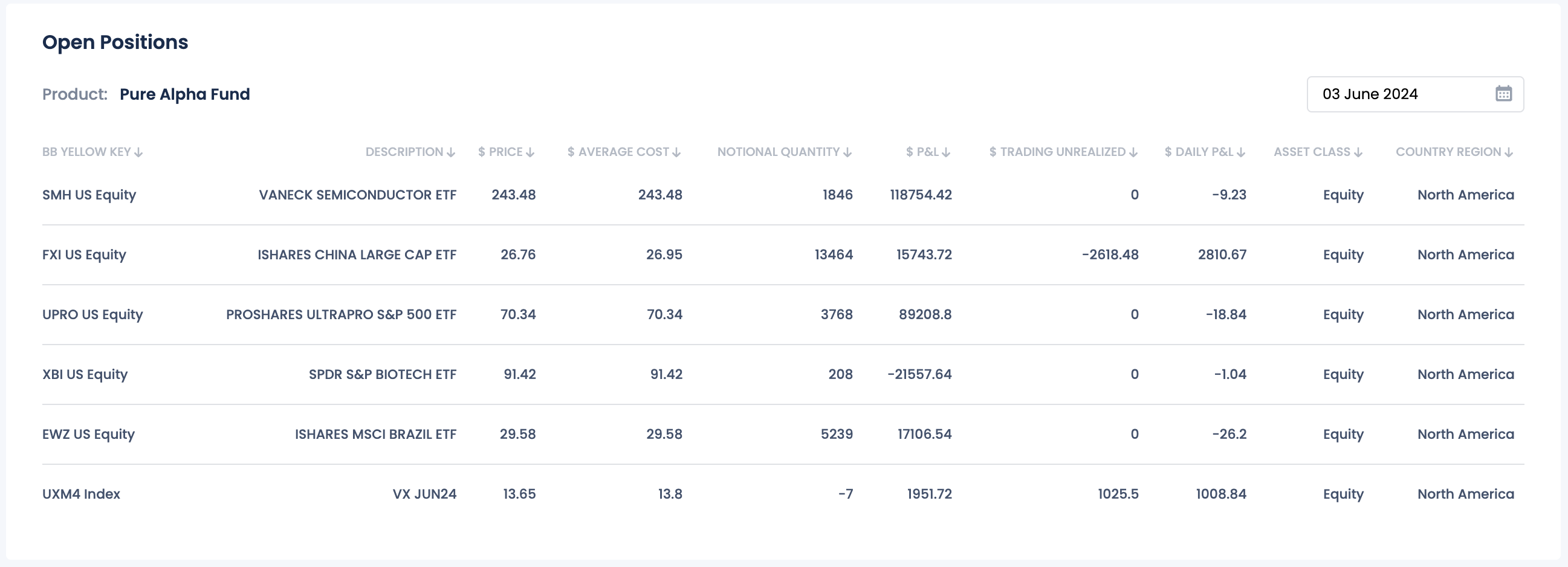
The Positions feature allows users to confirm the correctness of their strategy's open positions on an EOD basis.
This feature provides detailed information on each position, including the asset name, quantity held, current market value, and performance metrics such as percentage change and unrealized gains or losses. The content on the "Positions" tab will indicate the product in which the strategy is included.
The detailed information available for each position includes:
-
BB Yellow Key: The Bloomberg Yellow Key identifier for the asset.
-
Description: A brief description of the asset.
-
Price ($): The current market price of the asset in dollars.
-
Average Cost ($): The average purchase cost of the asset in dollars.
-
Notional Quantity: The total quantity of the asset held.
-
P&L ($): The profit or loss of the position in dollars.
-
Daily P&L ($): The daily profit or loss of the position in dollars.
-
Trading Unrealized ($): The unrealized profit or loss from trading the asset in dollars.
-
Asset Class: The category or class of the asset (e.g., equity, bond, commodity).
-
Country/Region: The country or region associated with the asset.
Additionally, users have the ability to change the date to browse positions on different dates. They can filter and sort positions by various criteria, such as asset type or performance, to prioritize the information most relevant to them. ~~For further analysis or reporting, users have the option to export position data to CSV or Excel format.~~
Capital tab
The Capital tab provides a historical view of the strategy's allocated capital over time.

Add New Strategy